PlayToEarn




















 Plus
Plus



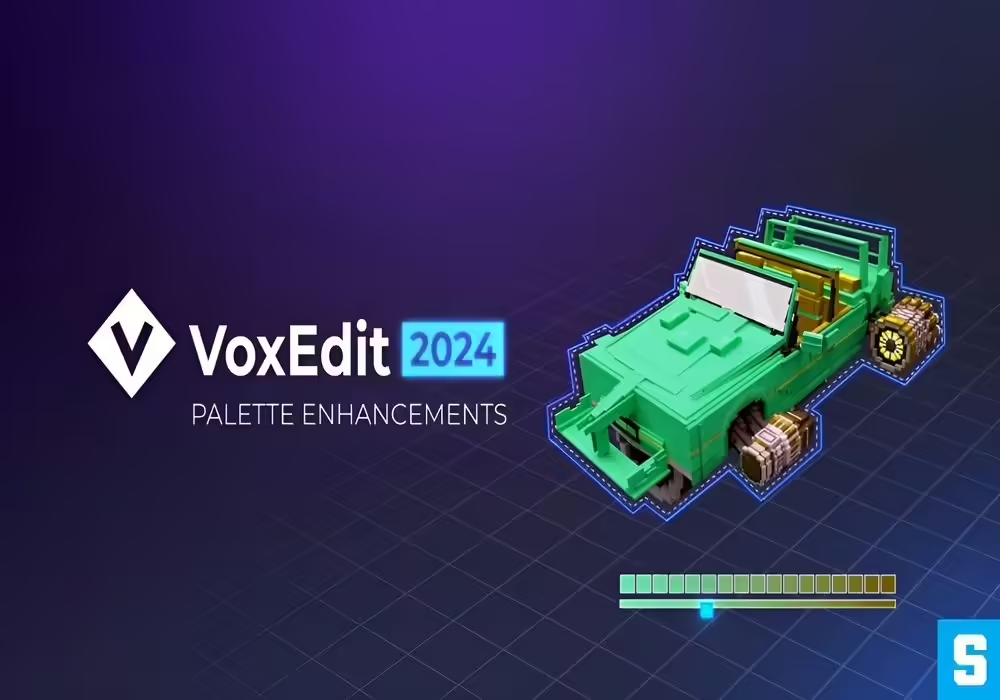
The Sandbox has released a new update for their free modeling, rigging, animating tool for voxel-based NFTs, VoxEdit, in order to help creators further unleash their creativity.
What’s New in the Latest Update?
The latest update includes a host of new features, improvements and fixes to make it easier for users to bring their imaginative ideas to life.
New Features
New additions have been added to the Palette Panel that include drag & drop, multi-selection, screen color picker, and gradient creation tools, allowing for better color management and opening up new ways to achieve the desired appearance of your NFT.
Bookmark Management is a new feature that makes it easier for users to organize and get back into their projects, while the option to toggle viewport background colors is now also available, providing users with another way to customize their workspace.
Improvements & Fixes
Templates for equipment now only accurately display info on node and face count of equipment assets. Viewcube planes in the viewport now all have the option to use orthographic grids, while Mirror planes in the Modeler can now extend over volume boundaries. Easily switch between Create and Erase tools with the new SHFT shortcut while using an orbiting point for the camera to keep it fixed to follow your asset in the scene.
When it comes to bug fixes, duplication of newly-added voxels when creating with existing models should be a thing of the past, and so should the VXM case-sensitive naming crash. If not being able to undo in shared palettes annoyed you, then you’ll be happy to know that the issue has been resolved, so you can now easily undo whenever you make any color changes in these shared palettes.
You can get the latest version of VoxEdit for free by downloading it from the official website, just in time for the new Shibuya109 VoxEdit Contest.